Local
3 appsYour GPU, your files, your keys. No account to open one, nothing metered per use, and nothing stops working when a subscription does.
Utility · VRAM & RAM Portable build
ComfyRAM Manager
Frees the memory ComfyUI is still holding, before the next run fails.
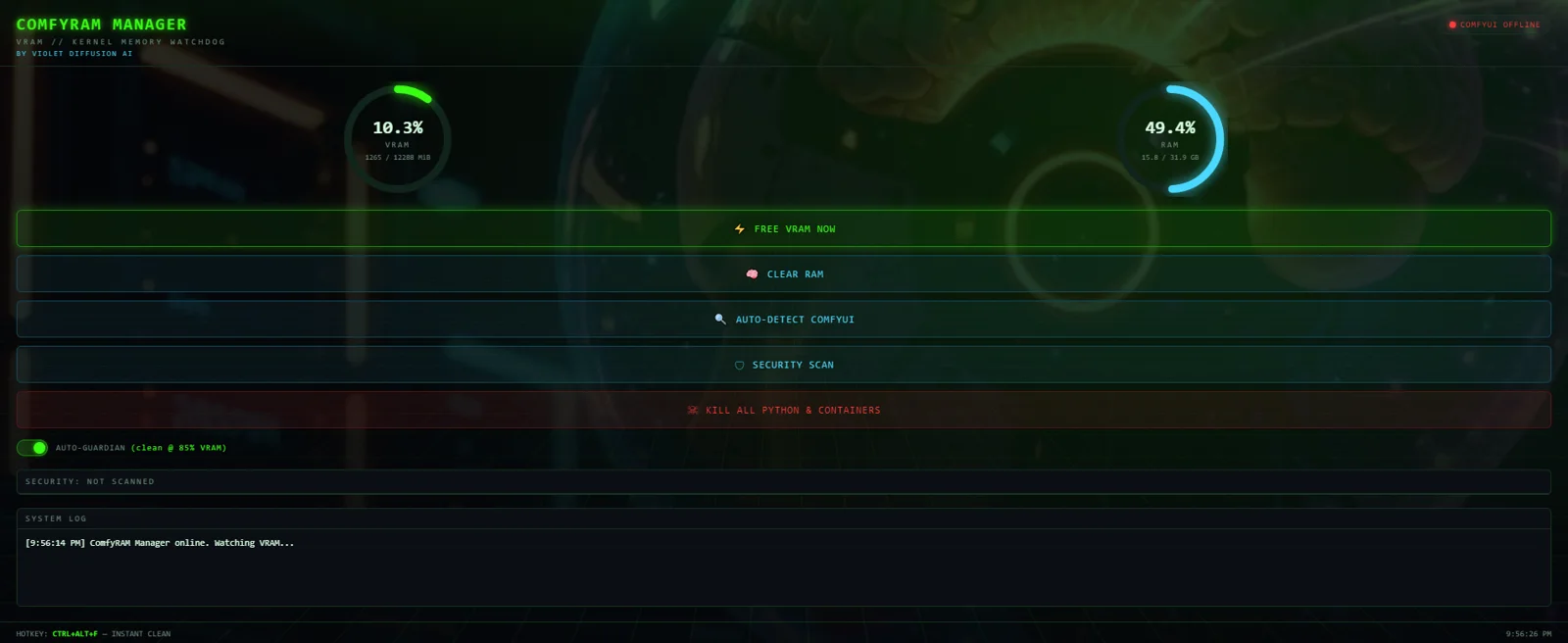
ComfyUI keeps model weights resident between runs on purpose — reloading ten gigabytes per image would be absurd. The cost is that on a 12 GB card what decides whether the next generation fits is usually what is left over from the last one, and nothing surfaces that. This is a 460x780 panel that does: VRAM, system RAM, and whether ComfyUI is online and on which port, polled every four seconds.
- Auto Guardian — frees automatically when VRAM crosses 85%, with a 15-second cooldown
- Ctrl+Alt+F — a global hotkey that works mid-generation, from any window
- Free — calls ComfyUI's own /free on the detected port, trims process working sets, reloads the ComfyUI tab, and reports VRAM before and after
- Clear RAM — system memory only, file cache and working sets, GPU untouched
- Security Scan — Authenticode-checks suspicious running processes
- Port auto-detect — finds a running ComfyUI rather than asking where it is
Shipped, v1.1.0. Source public on GitHub. Also part of VIOLINET OS, which detects it as a first-party app — the OS's own comfy.memory and comfy.free agent tools stop deliberately short of a UI, because this panel is the human surface for the same job.
Security · agent approval gate Portable build
bashme
Holds what an agent wants to run until a person agrees.
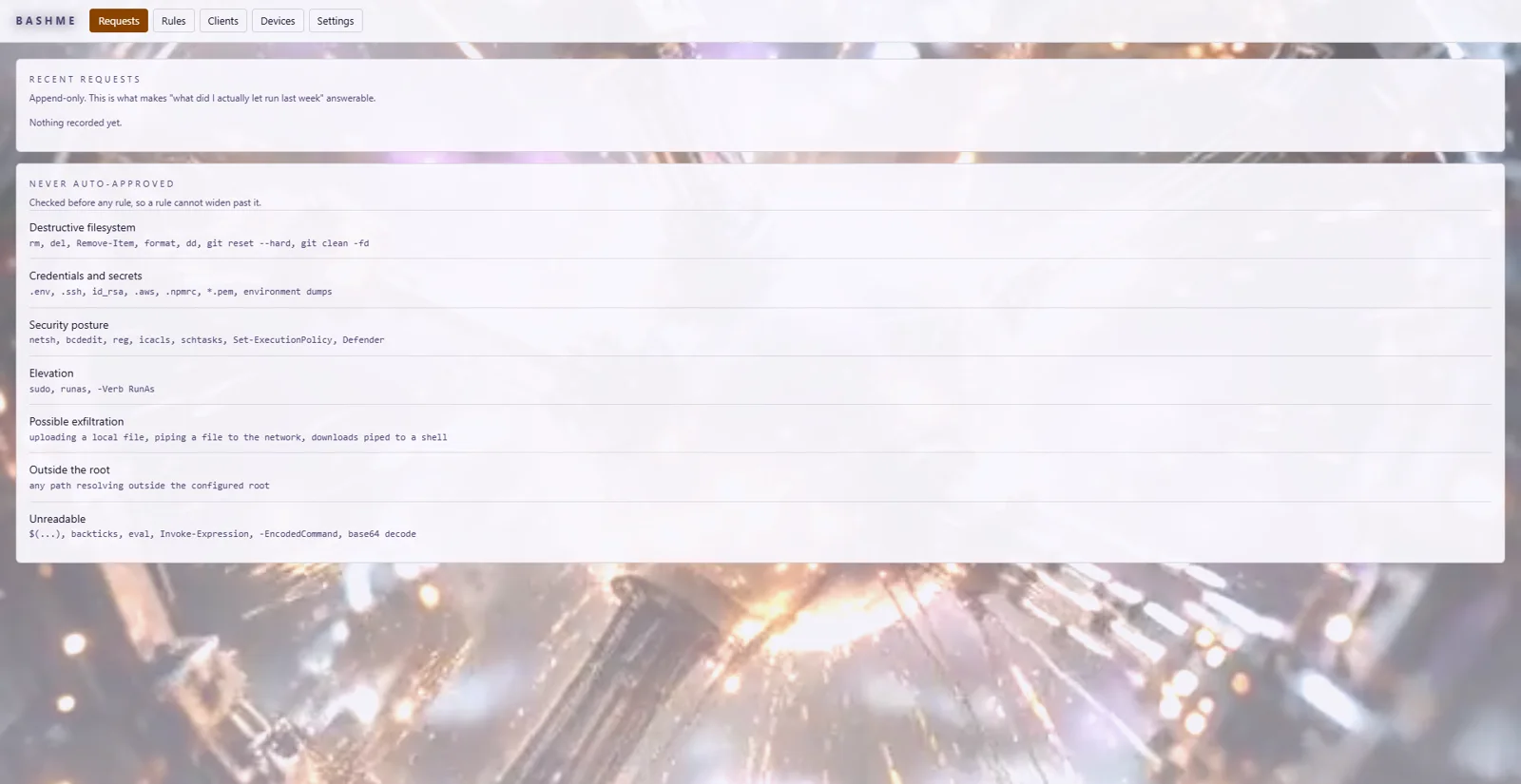
An agent that can run shell commands is useful exactly to the degree that it is trusted, and trust is hard to give something that acts faster than you can read. bashme takes the command before it runs, works out what it would actually do, and holds it until a person agrees — with standing rules for the routine cases so the gate does not become a thing you click through. Every decision is written to an append-only audit log. It is one codebase with two hosts: a standalone app with its own window and CLI, and a dependency-free core that VIOLINET OS embeds directly.
- Classify before rules — categories no standing rule may ever auto-approve, checked first
- Rules without wildcards — a rule cannot match a chained command, and previews what it would allow as you write it
- Append-only audit — every request, verdict and timeout, on one SQLite handle shared with its host
- HMAC plan/apply tokens — an approval authorises one command, not a session
- Outbound-only device channel — a paired phone may answer, never reach in
- Two hosts, one core — the standalone app and VIOLINET OS run identical decision code
70 core tests green. Live inside VIOLINET OS under System Guard → Approvals, and running standalone with its own window, local IPC surface and CLI. No transport exists yet, so a paired device cannot actually approve anything — the gate falls back to the local dialog. Not yet released.
Utility · image resizing & conversion Portable build
File SDM
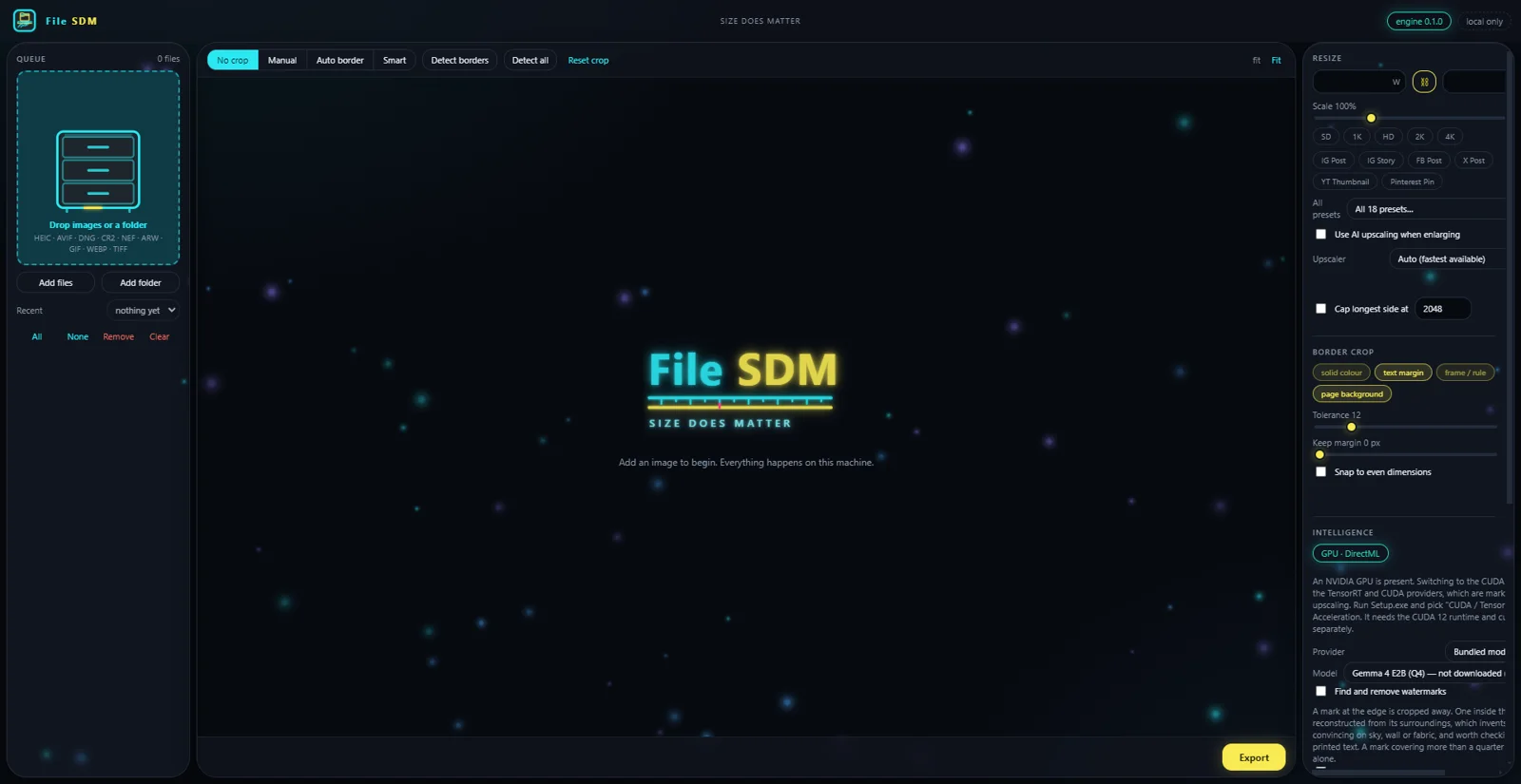
Size does matter. Resize, convert and crop a folder of images without any of them leaving the machine.
A resizer that does the tedious parts properly. It reads what a camera actually produces — RAW from Canon, Nikon and Sony, HEIC from a phone, AVIF, TIFF, animated GIF — finds the scanned border or the page edge and trims it, and writes the result to a size cap you name rather than a quality number you have to guess at. The whole application, including its Python interpreter and every package, installs into one folder you choose: no registry keys, no %APPDATA%, and one antivirus exception instead of six.
- Border detection — finds scan edges, page backgrounds and text margins, not just a solid colour
- Size cap — name a target in MB and it finds the quality that lands under it, resizing only if it must
- Smart crop — optional, local: a vision model arbitrates when geometry alone is ambiguous
- Watermark removal — marks at the edge are cropped away, marks inside the picture are reconstructed
- Upscaling — Real-ESRGAN through whichever accelerator is present: TensorRT, CUDA, DirectML or CPU
- One folder — interpreter, packages, model weights, caches and settings, all inside the install directory
Built, not yet released. Four phases are written and the installer works; it has not processed a real batch end to end, so there is no download to hand anybody yet.
Gemini
3 appsBuilt in AI Studio and free to open and read. These call Gemini, so the model work happens on Google's machines rather than yours. A portable build is the plan for each.
Code review · security Google API build
itsCodecaine
A code reviewer that argues with itself before it touches your code.
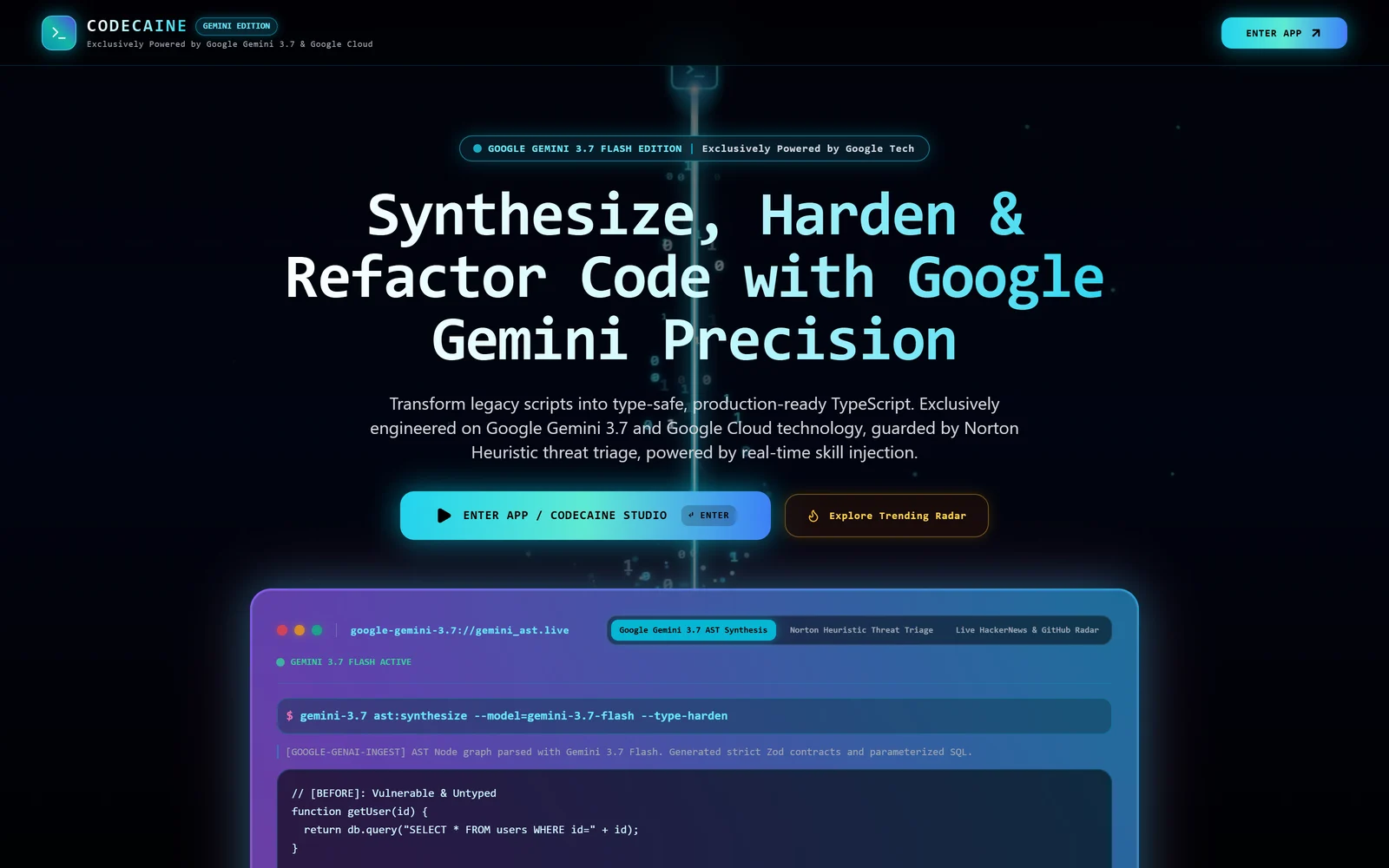
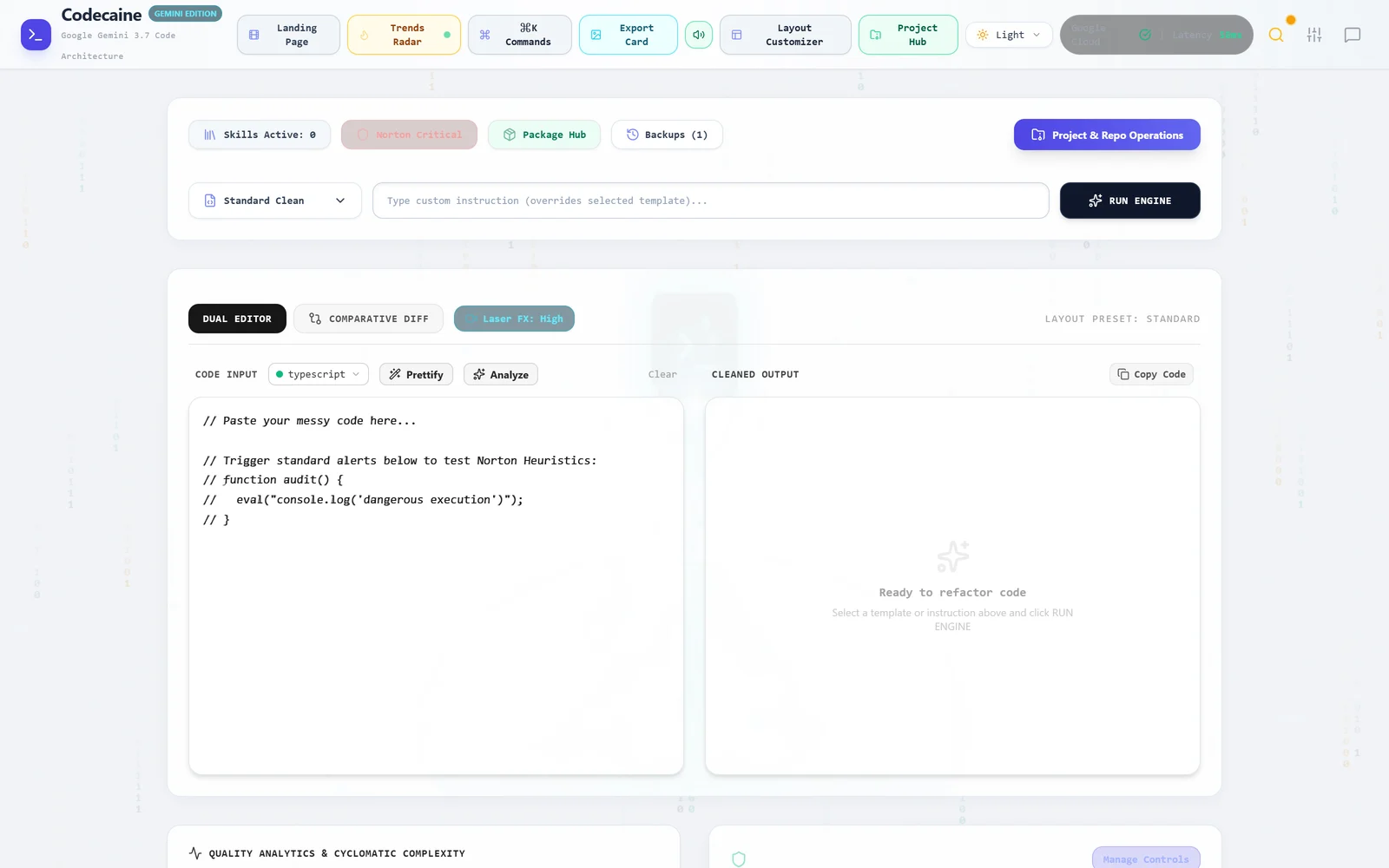
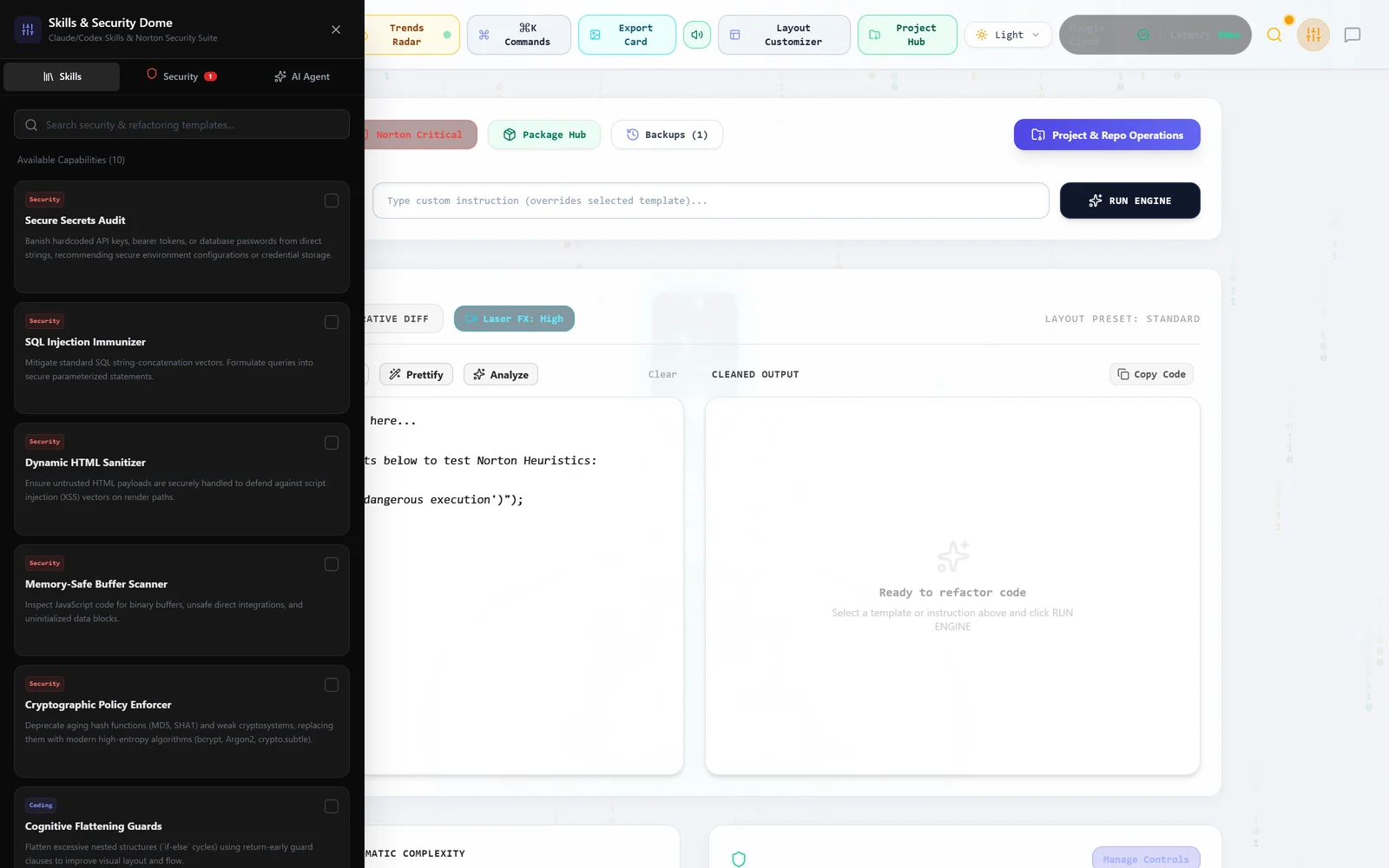
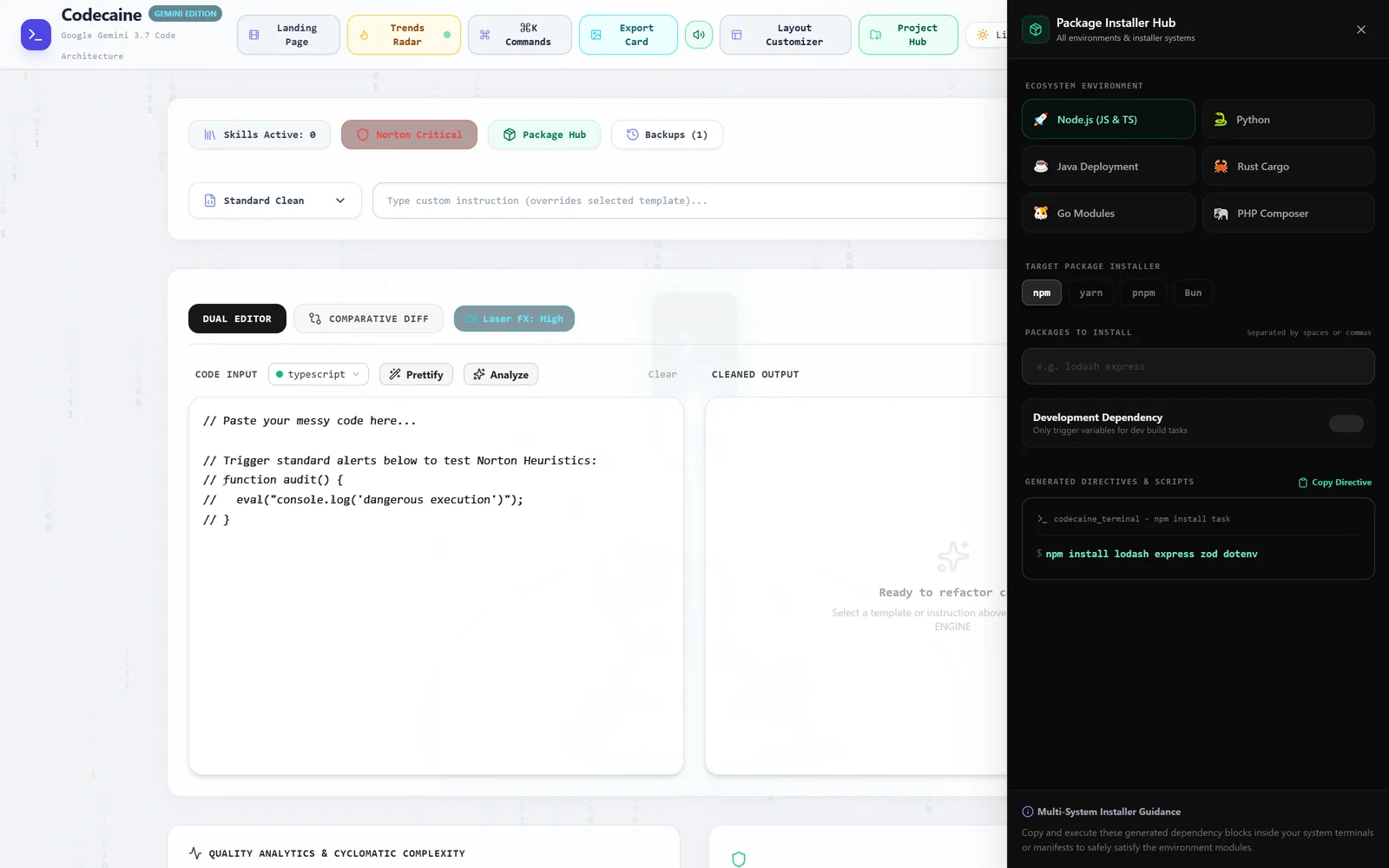
Paste, upload or pull a repo, pick a template, and read the cleaned result beside the original or as a diff. What makes it different from a linter is the two layers around the model: a heuristic shield that reads the code before anything is sent, and a skill library you compose per run.
- Skills & Security Dome — ten capabilities toggled per run, each with the bad pattern and the fixed one side by side
- Norton heuristic shield — five local rules that match before a request leaves the machine
- Package Installer Hub — six ecosystems, four Node installers, copyable install directives
- Quality analytics — maintainability, complexity, security and readability, scored per run
- Version history, ZIP and GitHub ingest, exportable report
Google API build, live in AI Studio. Portable build not started yet.
Brand · design · motion Google API build
CCO Studio
A creative department in one window.
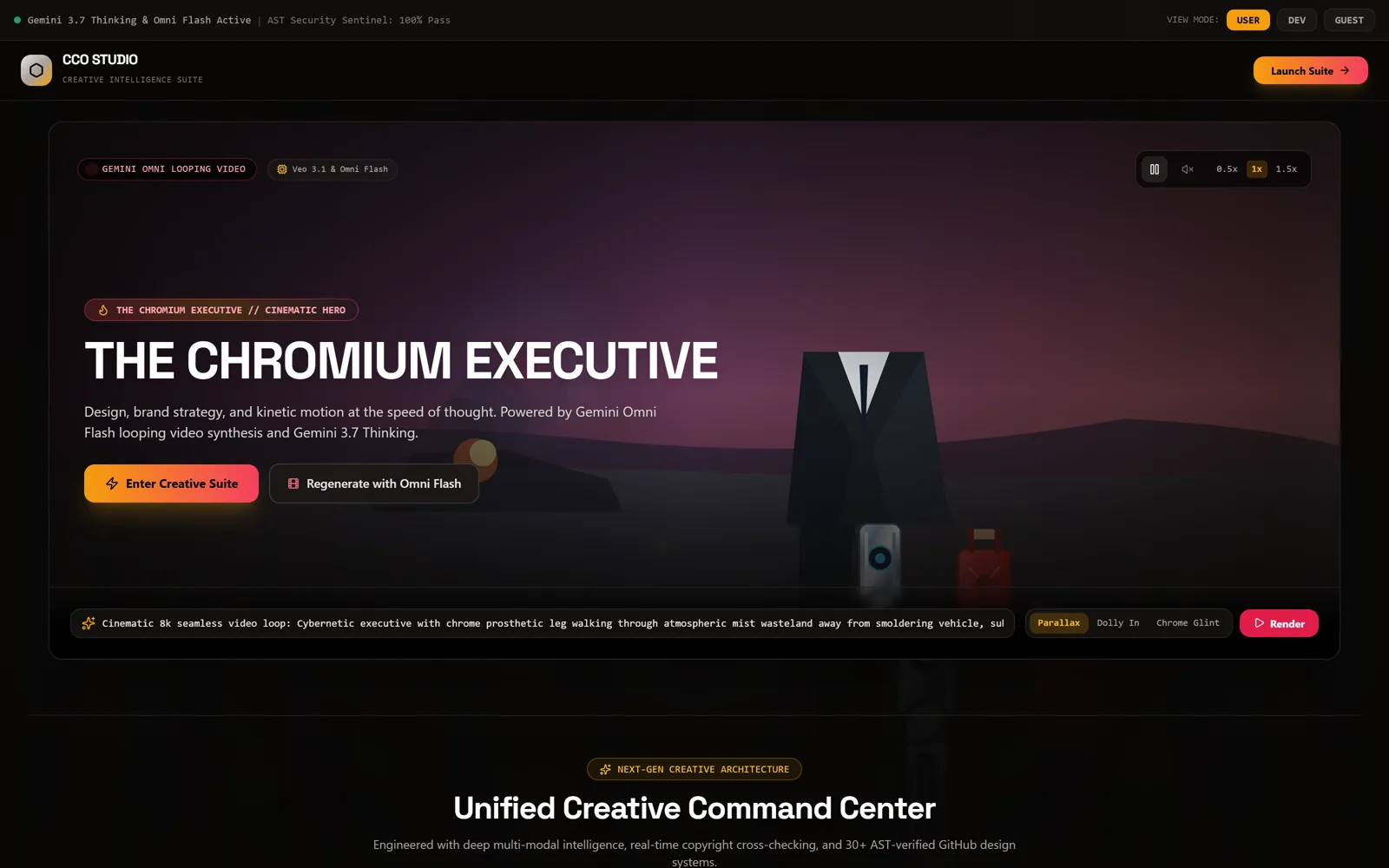
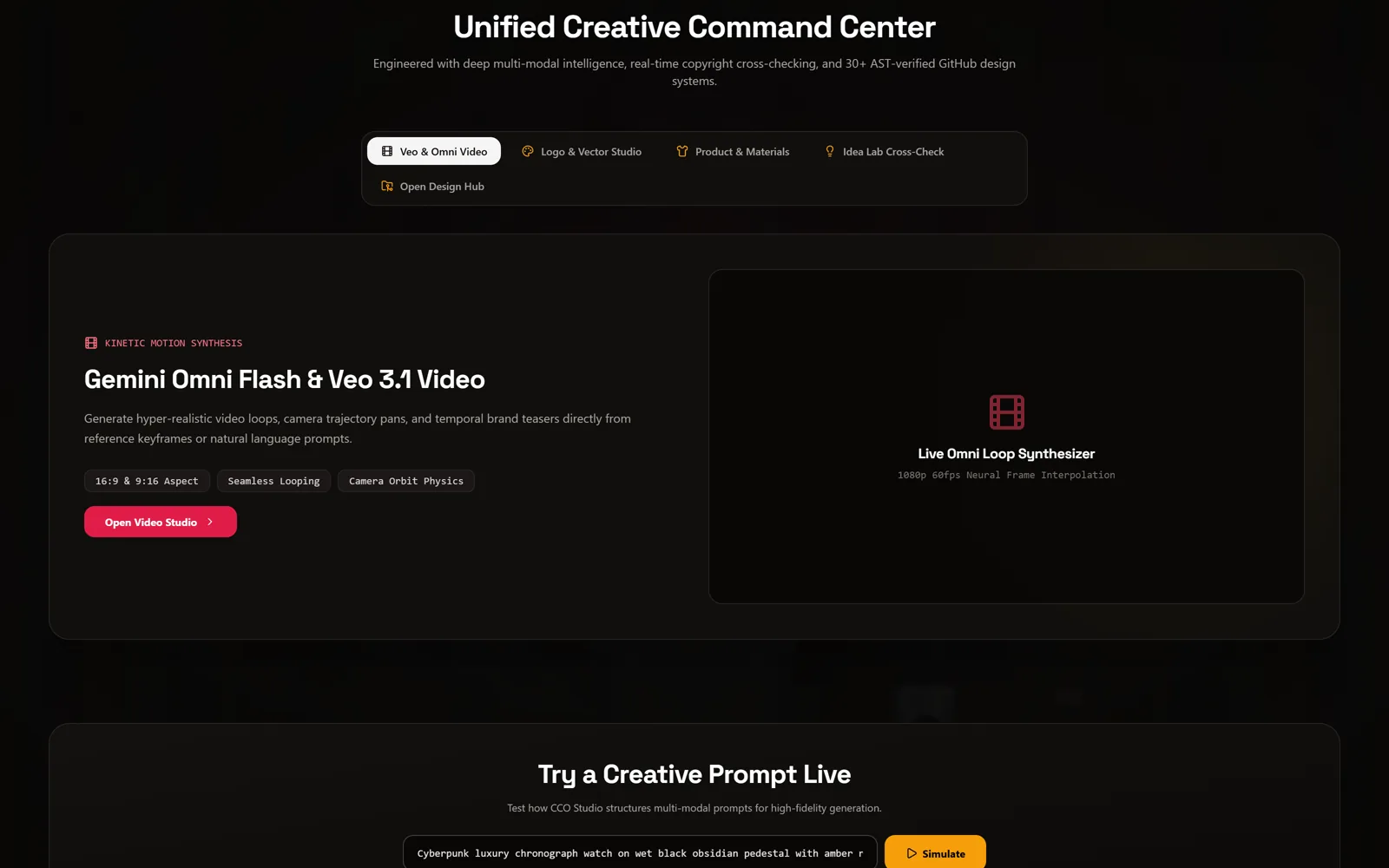
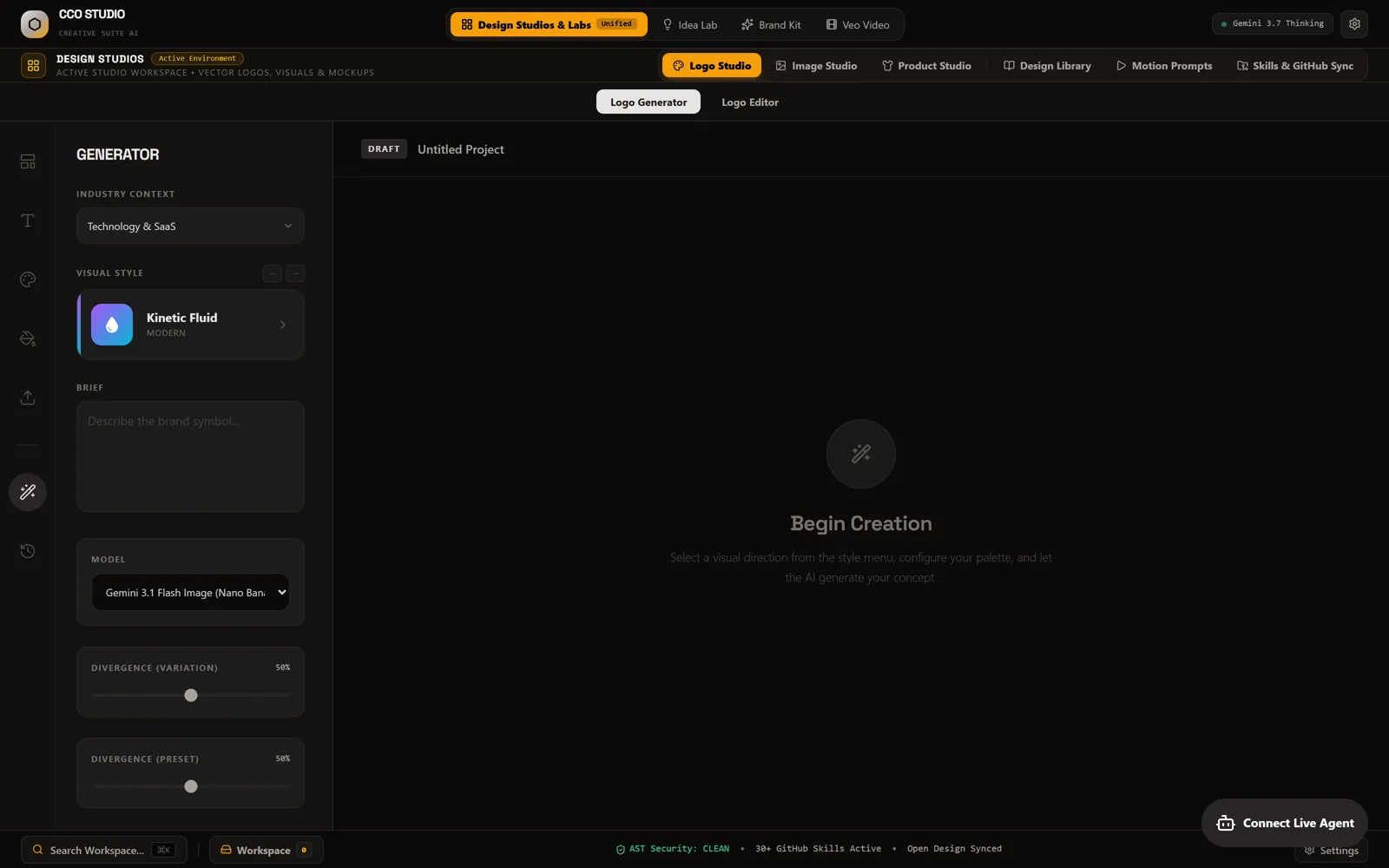
The largest of the three. Logo, image, product and material studios sit under one workspace with a shared brand kit, an idea lab that cross-checks concepts for copyright collisions, and a motion prompt index for video. Thirty-plus curated design skills are pulled from GitHub and verified by AST before they run.
- Design Studios — logo, image, product and materials, one workspace
- Logo Generator — industry context, visual style, divergence sliders, vector editor
- Idea Lab — concept generation with a copyright cross-check pass
- Brand Kit — palettes, type and assets carried across every studio
- Veo & Omni video — looping video synthesis from keyframes or a prompt
- 30+ GitHub design skills, AST-verified before execution
Google API build, live in AI Studio. Its design tooling already runs portable inside VIOLINET OS’s Creative Hub — the standalone port is next.
Portraits — virtual cinematography Google API build
PortrAIt Studio
A neural darkroom: re-render camera angles in 3D, then develop the print.
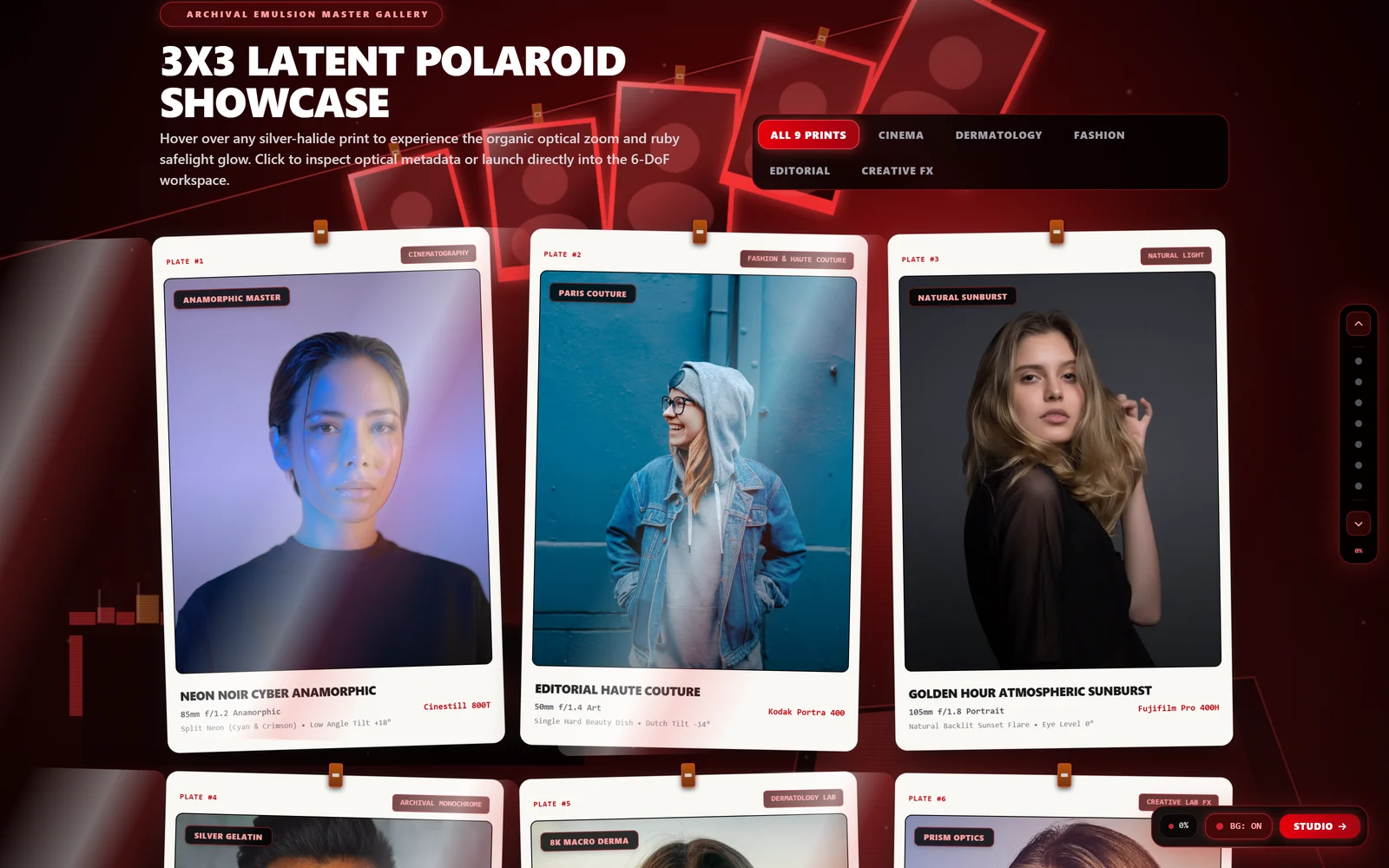
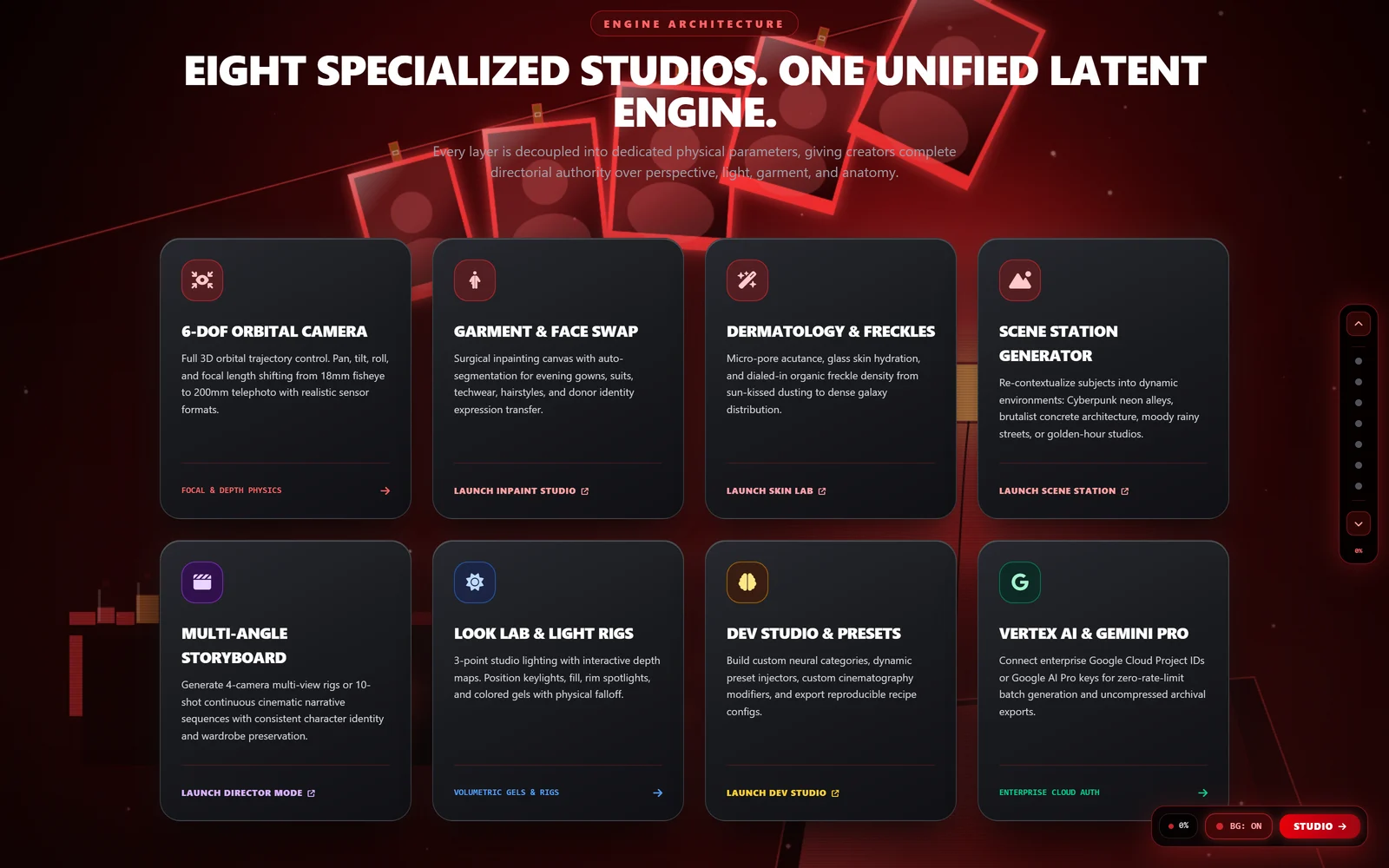
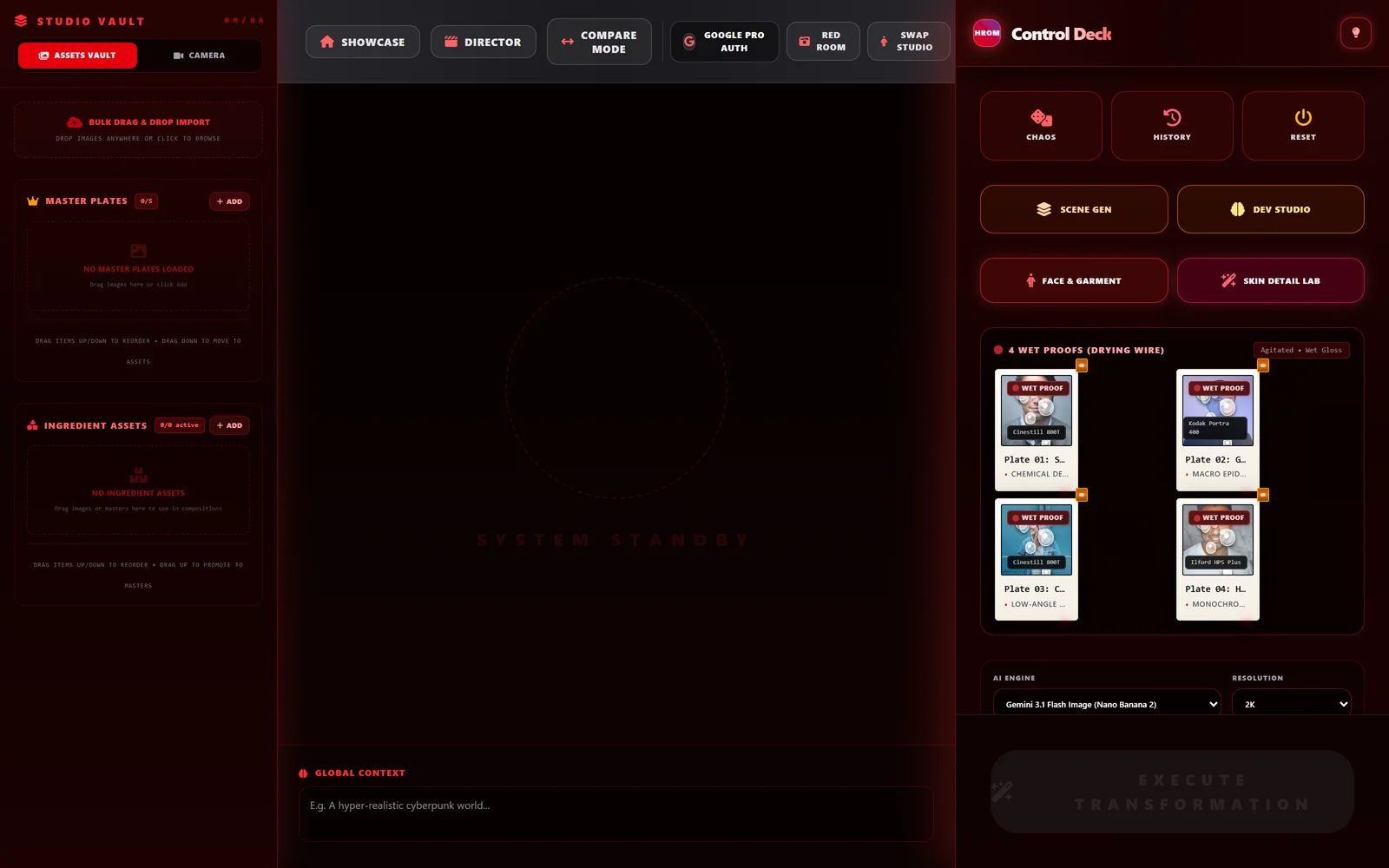
The third of the set, and the one that leans hardest into a metaphor. PortrAIt Studio treats generation as darkroom work — a crimson safelight, prints pegged to a drying wire, plates staged before they are developed. Underneath it is eight specialised studios over one latent engine: orbital camera moves in true 3D, garment and identity inpainting, dermatology-grade skin detail, scene relighting, and multi-angle storyboards.
- 6-DoF orbital camera — pan, tilt, roll and 18–200mm focal shifts with realistic sensor formats
- Garment and face swap — inpainting with auto-segmentation for wardrobe and donor identity
- Dermatology and freckles — micro-pore acutance, skin hydration and organic freckle density
- Scene Station — recontextualise a subject into neon alleys, brutalist concrete or golden hour
- Multi-angle storyboard — 4-camera rigs and 10-shot sequences with consistent identity
- Look Lab and light rigs — 3-point studio lighting positioned against physical depth maps
- Dev Studio — custom neural categories, preset injectors and reproducible recipe configs
- Vertex AI and Gemini Pro — bring your own Cloud project for zero-rate-limit batch generation
Google API build, live in AI Studio. Not yet exported to a standalone port.