ArtPix AI
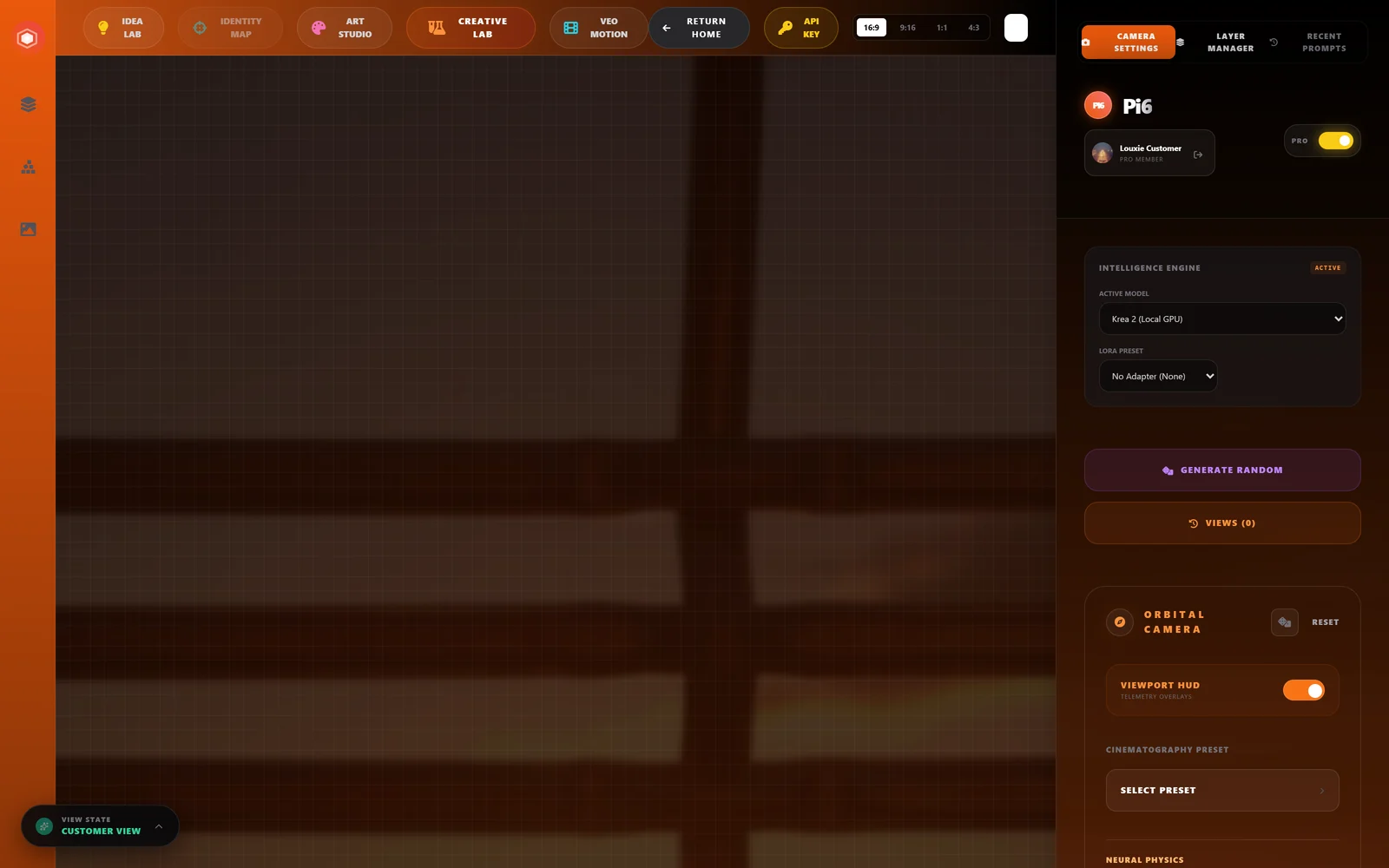
The flagship: a full studio for artists, with Idea Lab, artist styles and every engine.
In developmentViolet Diffusion presents
The operating system for artists. ArtPix AI, VioliVision AI, GenFix, PortrAIt Studio, LoumiNova AI and CCO Studio on one account, one local model engine and one library of images and LoRAs, running on the GPU you already own.
The problem
Open image models now ship as 13 GB-plus checkpoints, often in community formats no official loader opens. Most people who want to run them own an 8–16 GB consumer GPU. The usual answer is a hand-written loader per model and an assumption of a 24 GB card.
Violet Diffusion takes the other route: understand the checkpoint once, structurally, and let that understanding drive loading, memory, compression and training for every model family.
The approach
The pipeline reads a checkpoint's header (no GPU, no framework) and derives a map of the network's blocks. Every job below runs off that one artefact. Status is shown on each, as it stands today.
Map a checkpoint's tensors to the model that runs it.
Working for Krea 2Other model families follow.Offload blocks to system memory so a 13 GB model runs on a 12 GB card.
WorkingPer-block precision is built into Violet Tensors.Reuse work that barely changes between denoising steps.
PlannedVioletCache, built on the block map and current feature-caching research.LoRA training on your own machine, fed straight back into generation.
WorkingCloud training on RunPod is wired; the first live run is next.Proven
Everything in this section has been run end to end on real weights, on a 12 GB RTX 3060.
The honest gap: Krea 2 in our in-house worker currently takes 57 minutes for 8 steps at 768 px, against about 20 seconds at 1024 px with INT8 weights on the same card. Closing that gap is what the prompt cache, VioletCache and INT4 work in the plan below are for.
Being built

Violet Tensors is our own tensor format. A .violettensor file holds fp8, int8 or int4 weights chosen block by block, with a fidelity record showing what compression cost — and it's not a plan, we've built and loaded one. .vd (LoRA/adapter bundles) and .vio (a shared VAE format) are designed and next to build.
Roadmap
One rule runs through all of them: measure against a fidelity harness before any second conversion, cache setting or quant ships — it's why the gate above refuses plans that compress too much instead of shipping them quietly.
Encode each prompt once, reuse it across steps, and unload the encoder from VRAM before sampling — the diffusion equivalent of a KV cache. Frees ~9 GB during denoising before a single weight is touched.
NextKrea 2 Raw, undistilled, quantized once from BF16 — no double quantization — then carried to Turbo. Restore fidelity with NVIDIA PiD's pixel-space decoder and an SVDQuant low-rank branch on the sensitive blocks.
PlannedStep and block skipping off the block map, built on current feature-caching research (Tencent's DisCa, SenCache) rather than from scratch.
PlannedRunPod training is wired end to end; the first live run is next, followed by a from-scratch NSFW-native text encoder trained alongside it.
Wired, first run nextThe aligner: derive key maps automatically across model families, with a vocabulary of structural transforms, validated blind against Z-Image, ERNIE, FLUX and SD3.
PlannedA parameterised DiT executor, speculative step-skipping and our own model editions, once training proves out on Krea 2.
ResearchThe image app of ViolART OS · built on Violet Diffusion
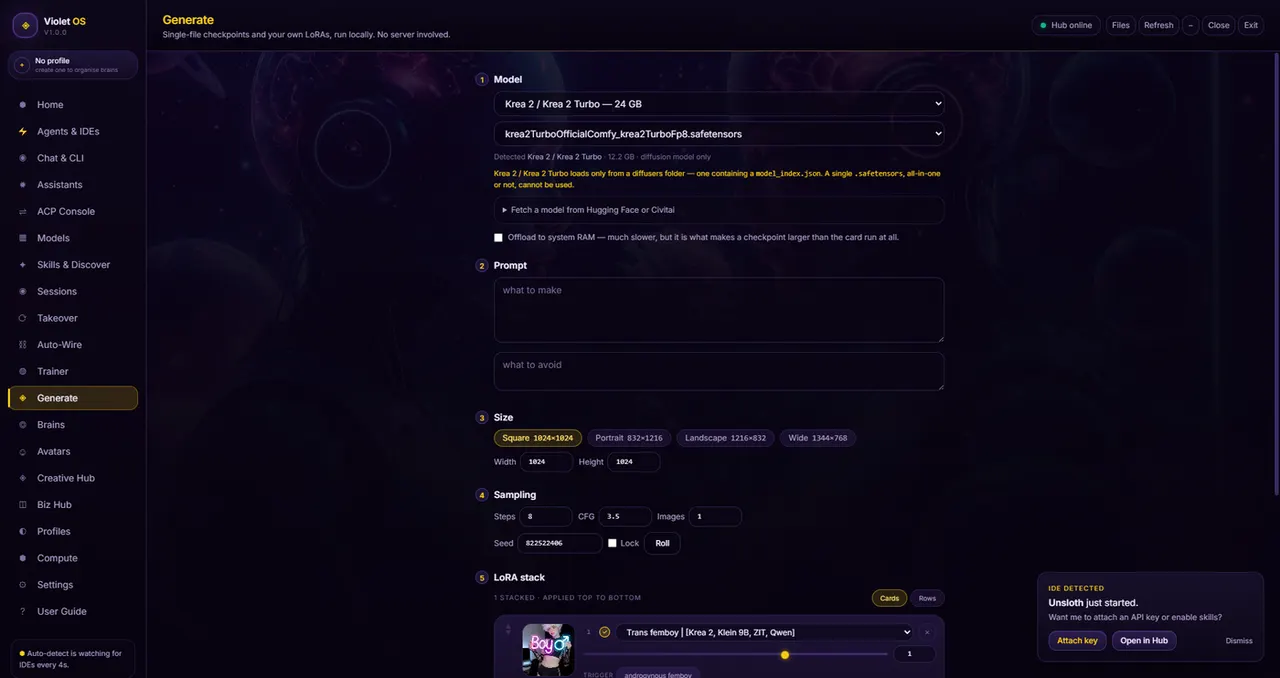
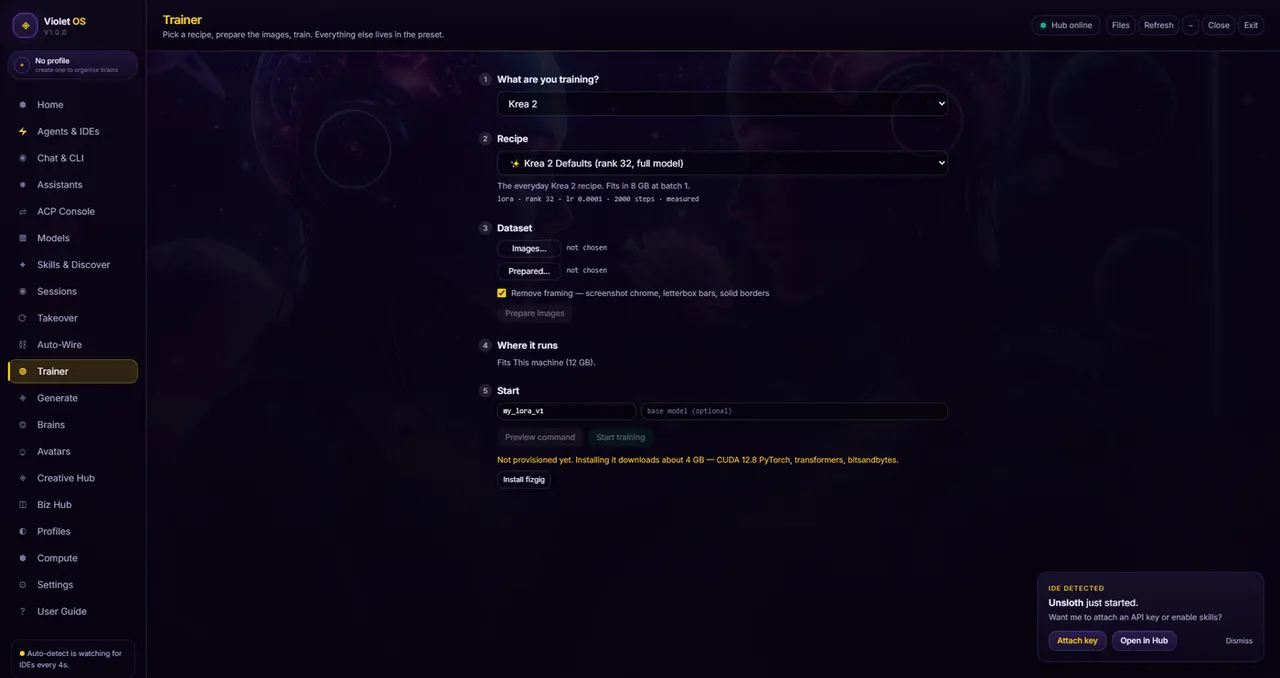
VioliVision AI is the image-generation app built on Violet Diffusion. It is one of the apps in ViolART OS, and today it runs as the Generate screen inside VIOLINET OS. Pick a model, type a prompt, generate. When you want your own style, the trainer builds a LoRA from your images and hands it straight back to the generator. Work you make can be posted to NeuroViolet with the prompt and model attached.
In development · ViolART OSViolART OS
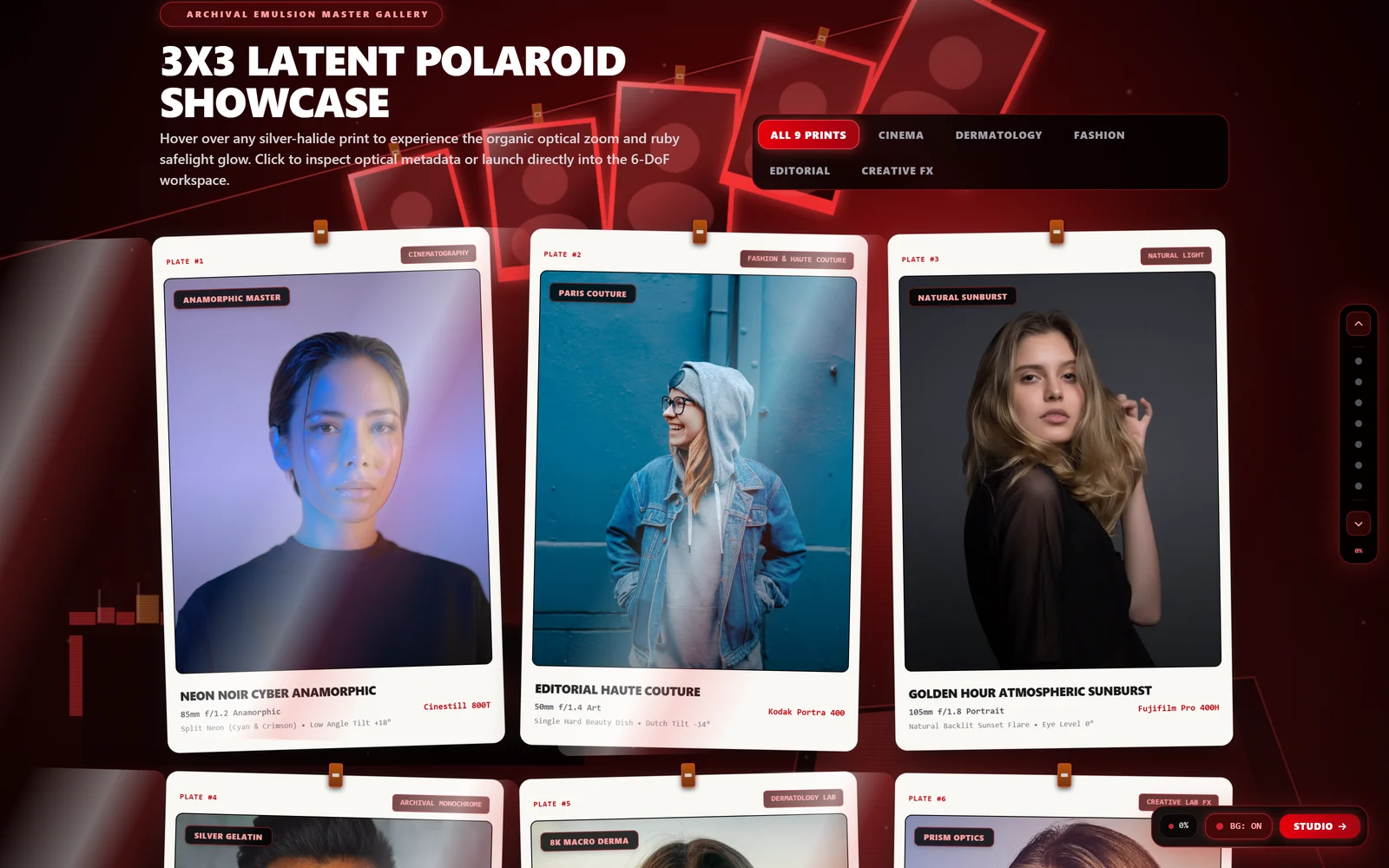
ViolART OS is VIOLINET OS built for artists: the same layout and shape, reworked in midnight blue, pink and violet, with the robot painter at work behind every screen. Inside it the creative apps share one account, one model engine and one library, so an image made in one opens in the next and a LoRA you train shows up everywhere.
Free and paid, like VIOLINET OS: the bundle is free to run, and the full feature set of each app stays a paid tier. Standalone apps keep their own names.
Inside ViolART OS
The flagship: a full studio for artists, with Idea Lab, artist styles and every engine.
In developmentImage generation and LoRA training, built directly on Violet Diffusion.
In development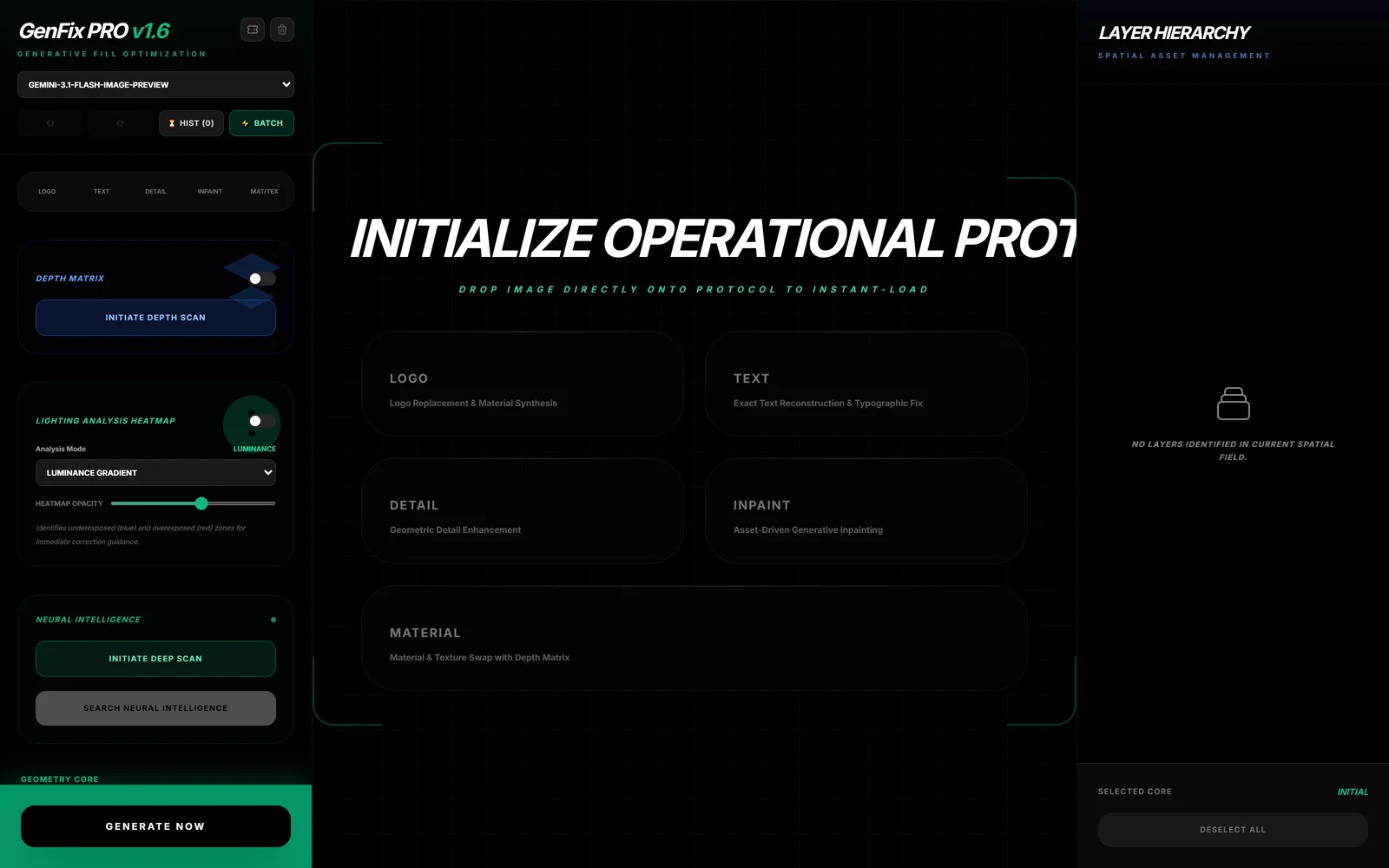
Fix and edit images with a prompt.
In development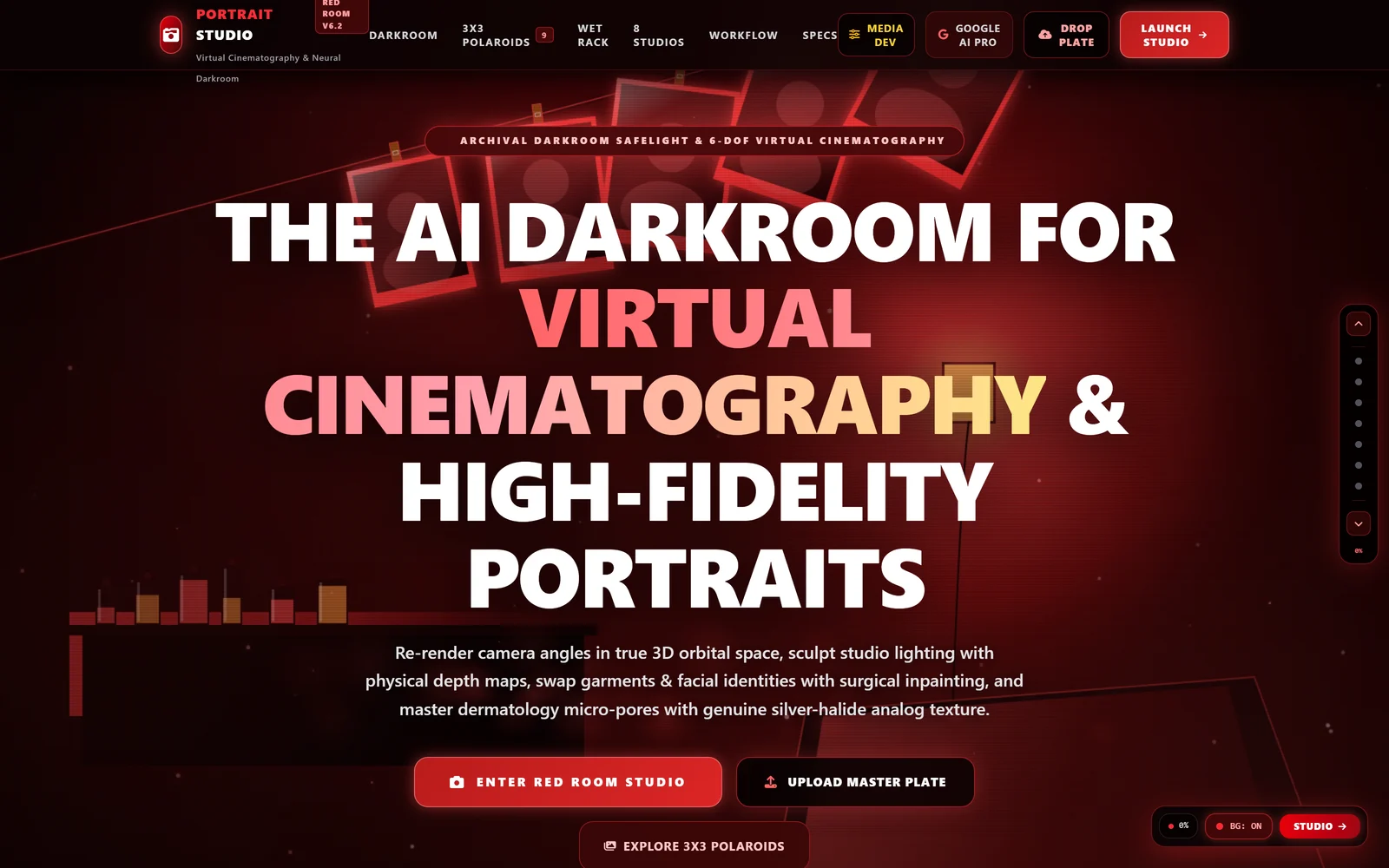
A neural darkroom: re-render camera angles, then develop the print.
Live on Gemini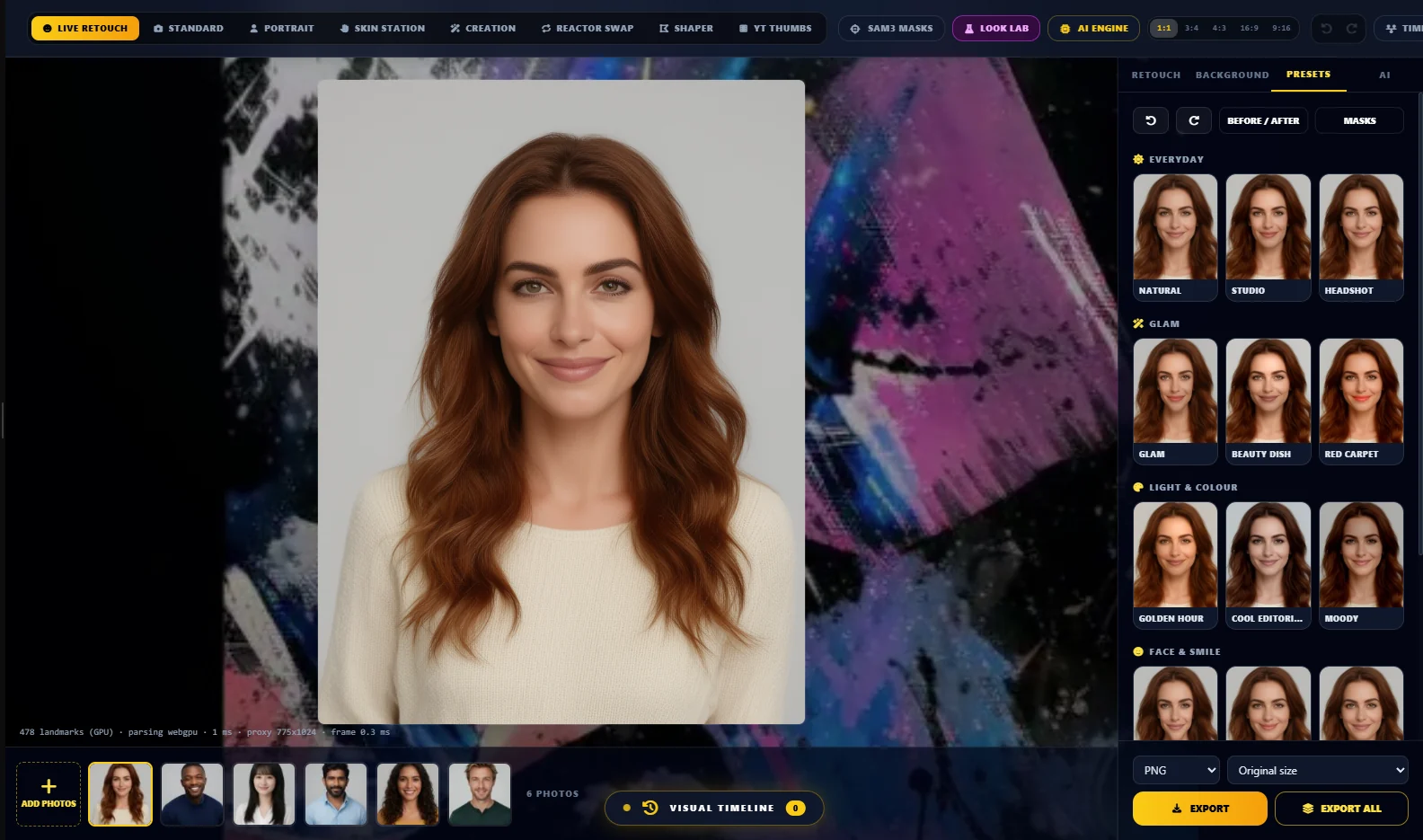
Real-time face retouching for portrait work.
In development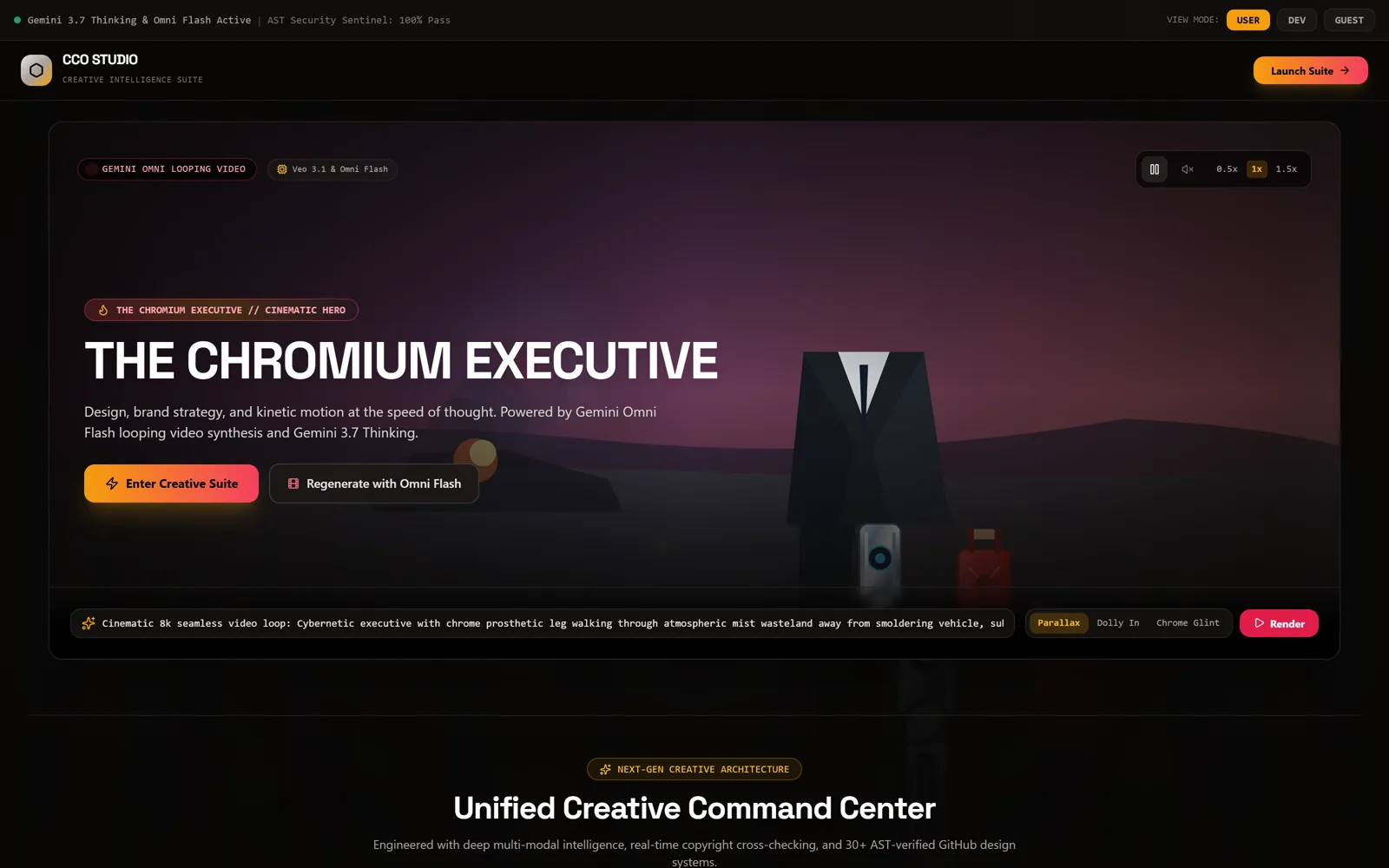
Brand and design tools: the command center for a creative team.
Live on GeminiComfyUI
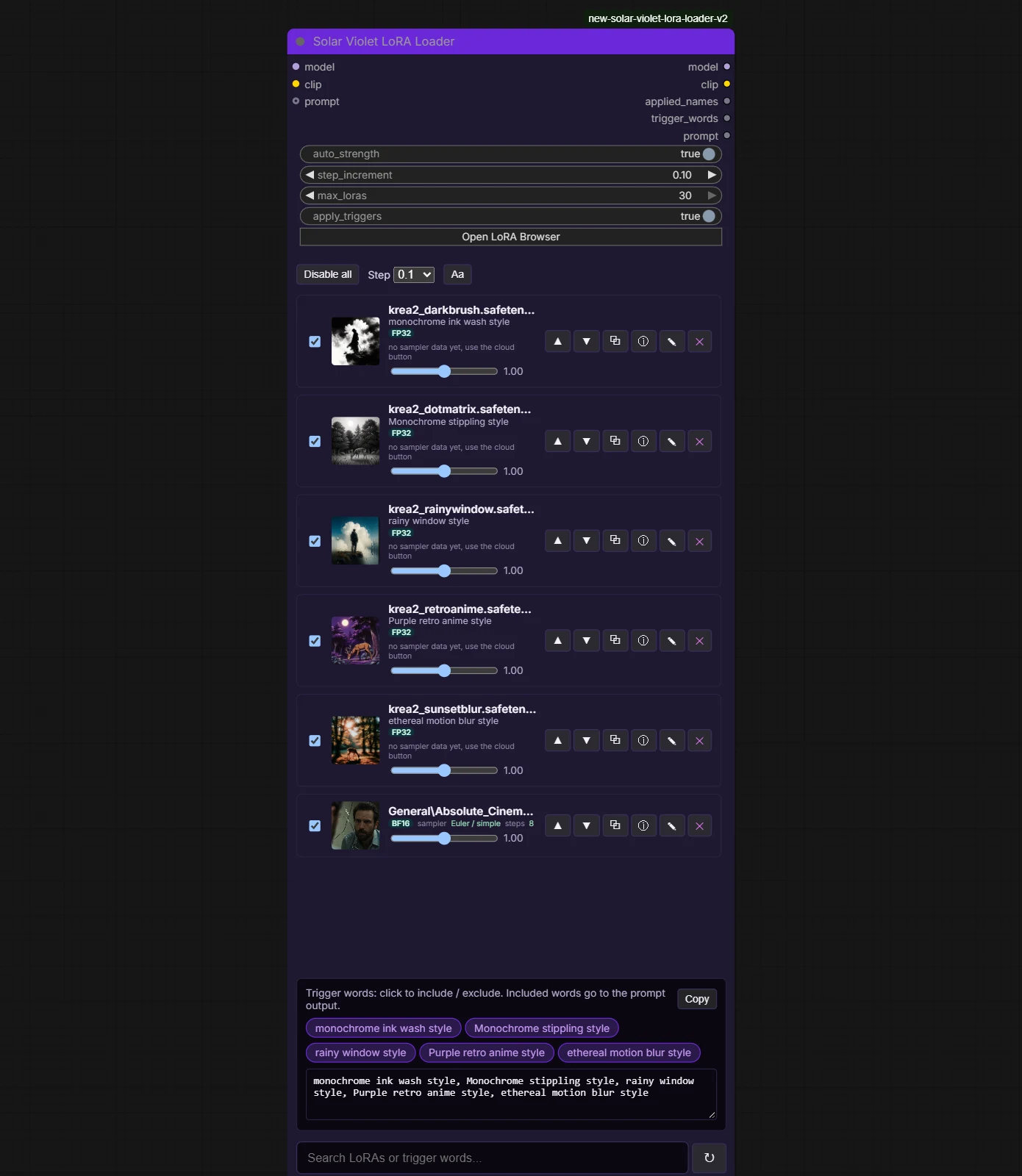
The original 17-node release, seven individual packs and the 109-node bulk pack.
1.0.0 public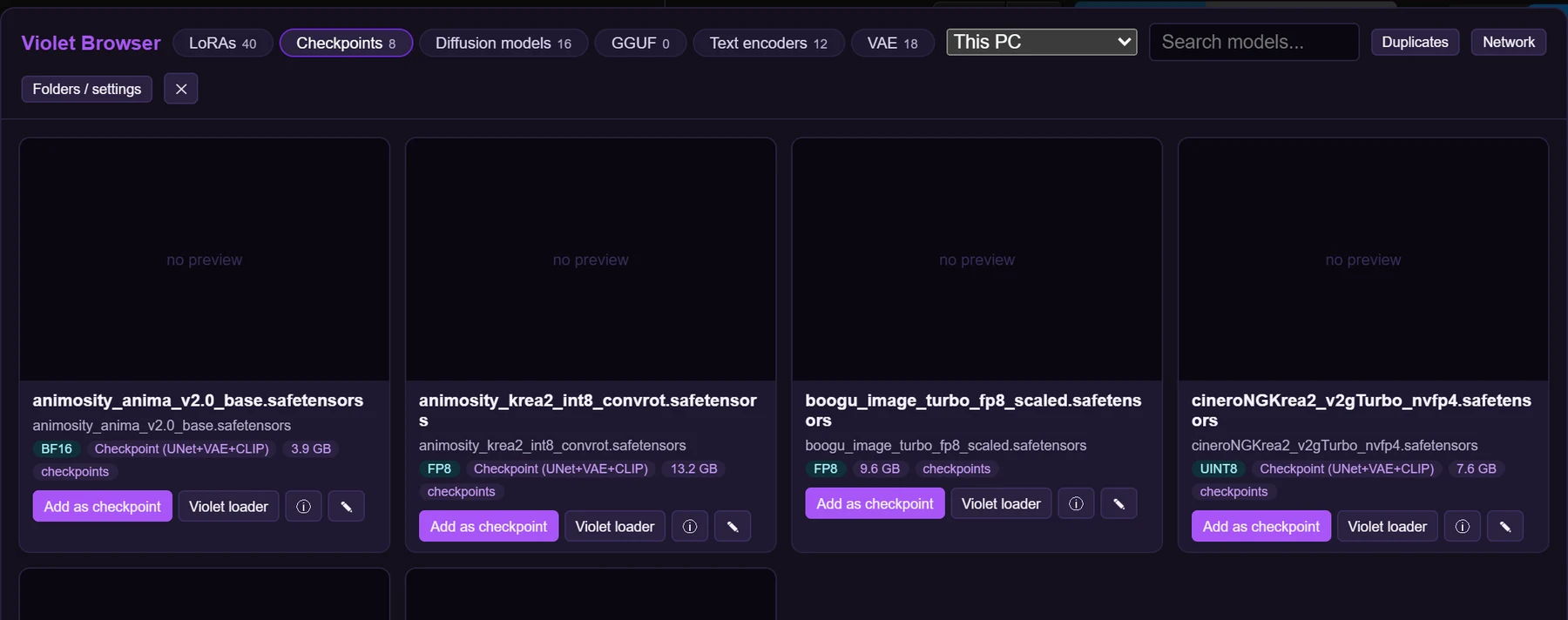
The Violet desktop app, the Violet Downloader extension and ComfyRAM Manager.
Desktop app built, not released
The ComfyUI hub: scans a workflow on open, then finds and installs what it needs.
Hub built, app plannedHow to install, what changed in each release, and every download link.
GitHubInside the app

For investors
We're a small independent studio with working results on consumer hardware and a phased plan to own the loading, compression and format layer for open image models. We'll share the full technical plan, the measurements behind every number on this page, and where the money goes phase by phase.
Not an investor? Get in early
One account across VIOLINET TECH and NeuroViolet. Reserve your handle now and hear first when VioliVision AI builds are ready to run.
Just want the news?